

Why wholesale accounting is different
Wholesale businesses operate differently from retail, and their accounting reflects that. You sell in bulk at lower margins, manage complex pricing tiers, handle tax exemptions for resellers, and process fewer but larger transactions.
Generic accounting software handles debits and credits just fine. But the wholesale-specific workflows - tiered pricing, case-lot discounts, tax certificate management - often require workarounds that eat up time.
The features that matter

Tiered and customer-specific pricing. Wholesalers rarely have one price for every customer. You might offer different rates based on order volume, customer relationship, or contract terms. Your software needs to store multiple price lists and apply the right one automatically when you create an invoice.
Tax exemption management. Many of your customers are retailers who provide resale certificates. Your software needs to track which customers are tax-exempt, store their certificates, and apply the correct tax treatment automatically. Getting this wrong means filing headaches and potential audit issues.
Purchase order and accounts payable integration. You buy in volume and sell in volume. Your accounting software needs tight integration between purchase orders, receiving, accounts payable, and inventory. Manually reconciling large purchase orders against invoices is where errors creep in.
Volume-based cost tracking. Your cost per unit changes based on how much you buy. Ordering 1,000 units at $4 versus 5,000 units at $3.50 affects your margins on every sale. Your system needs to track actual cost per purchase, not just a static average.
Aging receivables. Wholesale customers typically pay on terms - Net 30, Net 60, sometimes longer. Aging reports that show who owes what and how overdue it is are essential for cash flow management.
Popular options and their fit
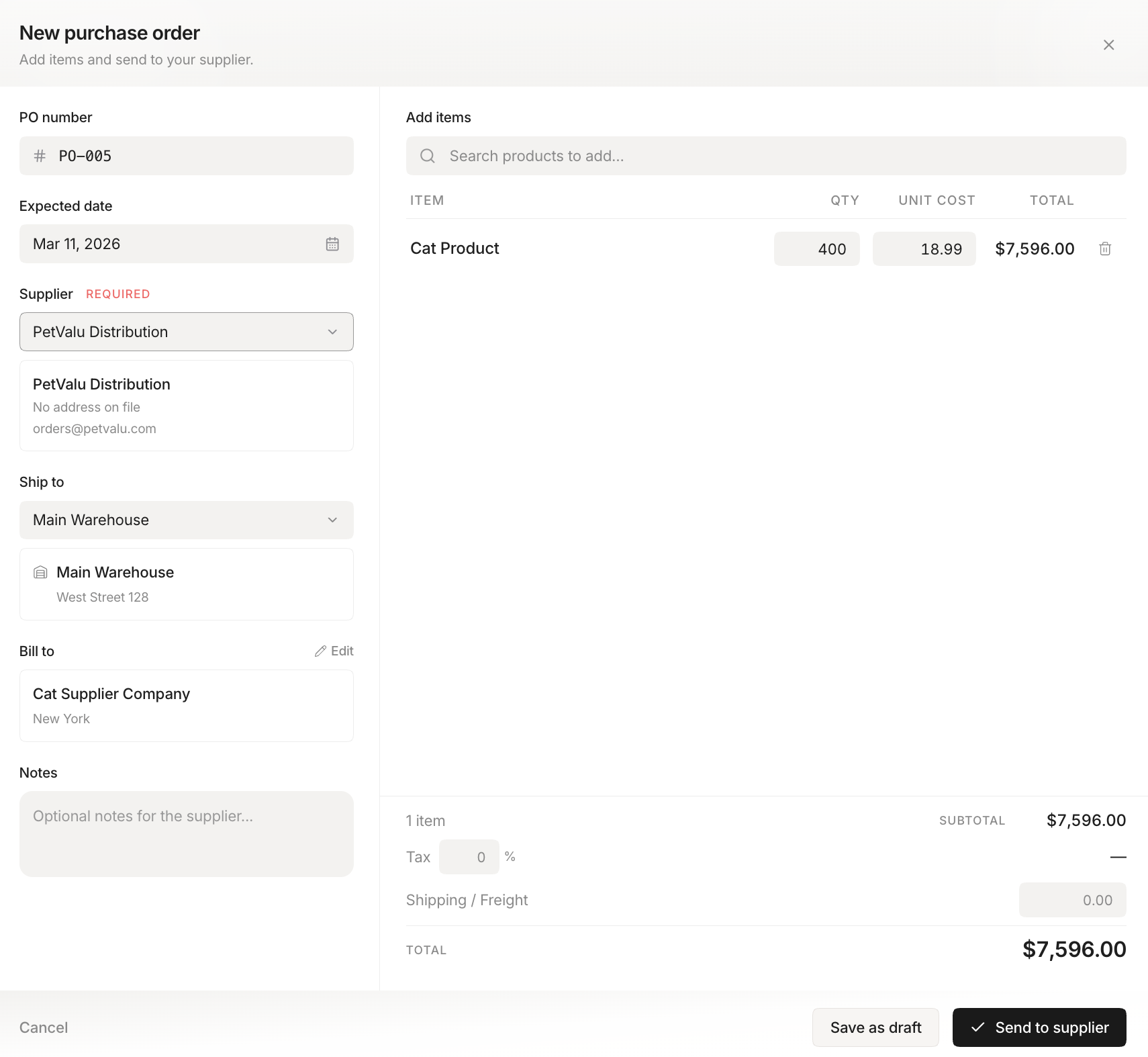 Stockria in action - Generate purchase orders from your low-stock list.
QuickBooks Online. Handles basic wholesale accounting but struggles with complex pricing tiers and tax exemption tracking. Works for smaller wholesalers with straightforward operations.
Xero. Similar to QuickBooks in capability. Strong on invoicing and bank reconciliation, weaker on wholesale-specific features like tiered pricing.
QuickBooks Enterprise. Better for wholesalers than the Online version. Supports advanced pricing, more robust inventory, and better reporting. Higher cost but more wholesale-ready.
Industry-specific tools. Platforms built specifically for wholesale distribution (like Acumatica or NetSuite) handle all the wholesale quirks natively. But they cost significantly more and take longer to implement.
Accounting plus inventory: the integration question
For wholesalers, accounting and inventory are tightly connected. Every sale affects inventory levels. Every purchase affects both inventory and accounts payable. Every price change affects margins.
If your accounting software and inventory software do not talk to each other, you are entering the same data twice and hoping it matches. An integrated approach - either one tool that does both or two tools with a reliable sync - eliminates that duplication.
Choosing the right level
Start by assessing your transaction volume and complexity. If you have fewer than 50 customers, simple pricing, and straightforward tax situations, QuickBooks or Xero with good processes will work. As you add customers, pricing tiers, and complexity, the limitations will push you toward more capable tools. Let the pain guide the upgrade, not the feature list.