


Two different tools for two different jobs

QuickBooks is an accounting platform that includes basic inventory features. Stockria is an inventory management platform that integrates with accounting tools like QuickBooks. They overlap in one area, tracking what you have in stock, but they approach the problem from opposite directions.
Understanding this difference is key to choosing the right setup for your business.
QuickBooks inventory: what it does and does not do
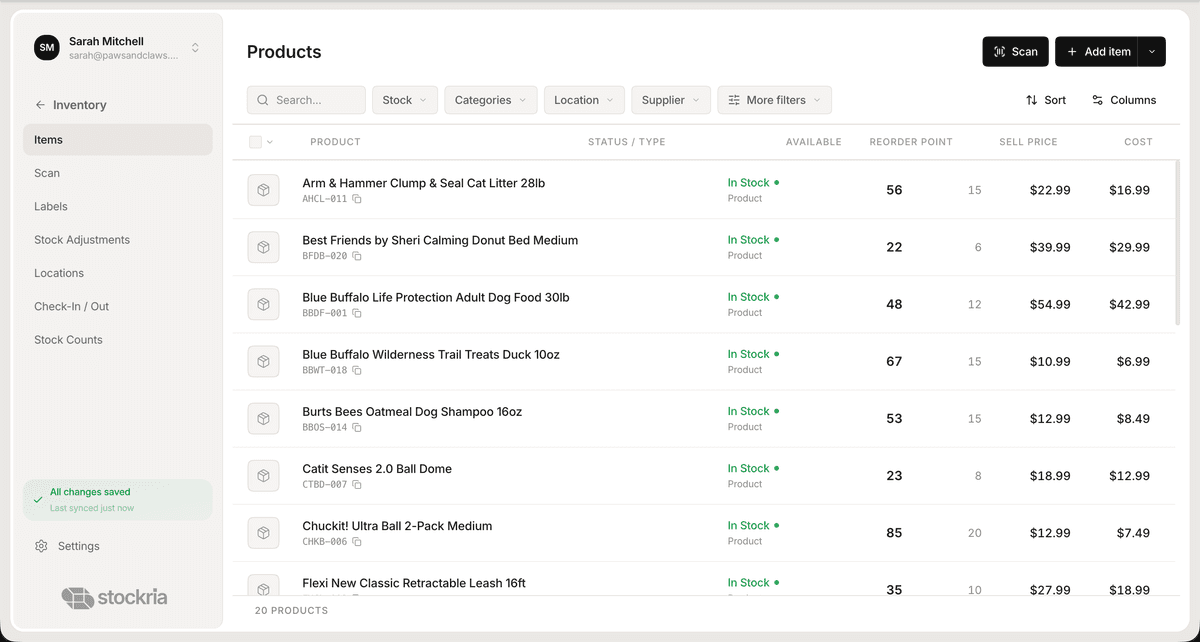
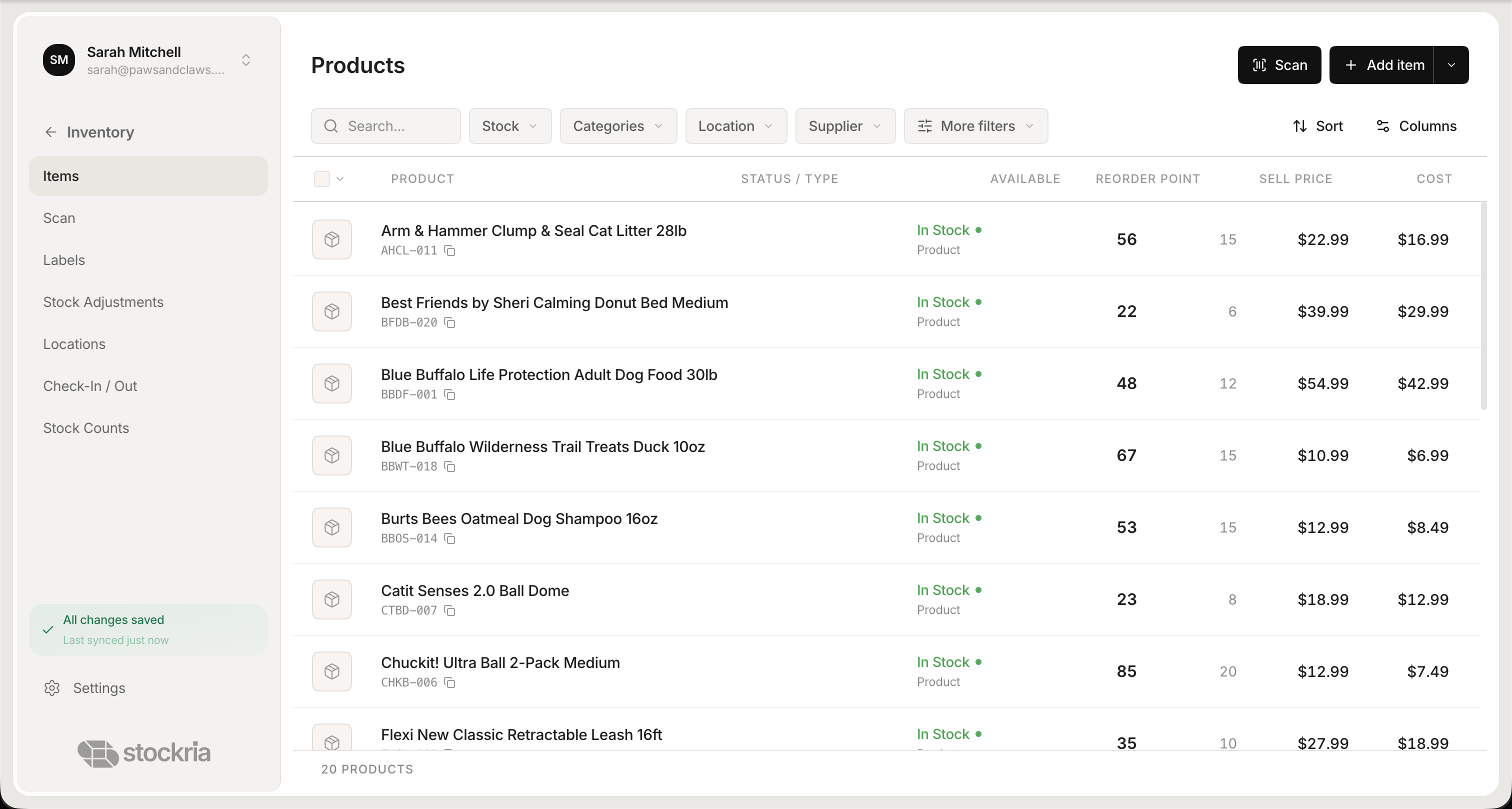
 Stockria in action - Manage your entire product catalog with real-time stock levels, pricing, and reorder points.
QuickBooks Online Plus ($110/month) and Advanced ($200/month) include inventory tracking. You can add products, track quantities, and see cost of goods sold in your financial reports. QuickBooks Desktop also offers inventory features in its higher-tier plans.
What QuickBooks does well for inventory:
- Tracks product quantities and cost
- Calculates COGS automatically
- Connects inventory to invoices and purchase orders
- Generates profit and loss reports with inventory data
What QuickBooks does not do well:
- No barcode scanning from your phone
- No reorder point automation with days-until-stockout
- No cycle counting workflows
- Limited multi-location support
- No offline mode for warehouse use
- No dedicated stock count process
QuickBooks treats inventory as a subset of accounting. If you need more than basic quantity tracking, you will hit its limits quickly.
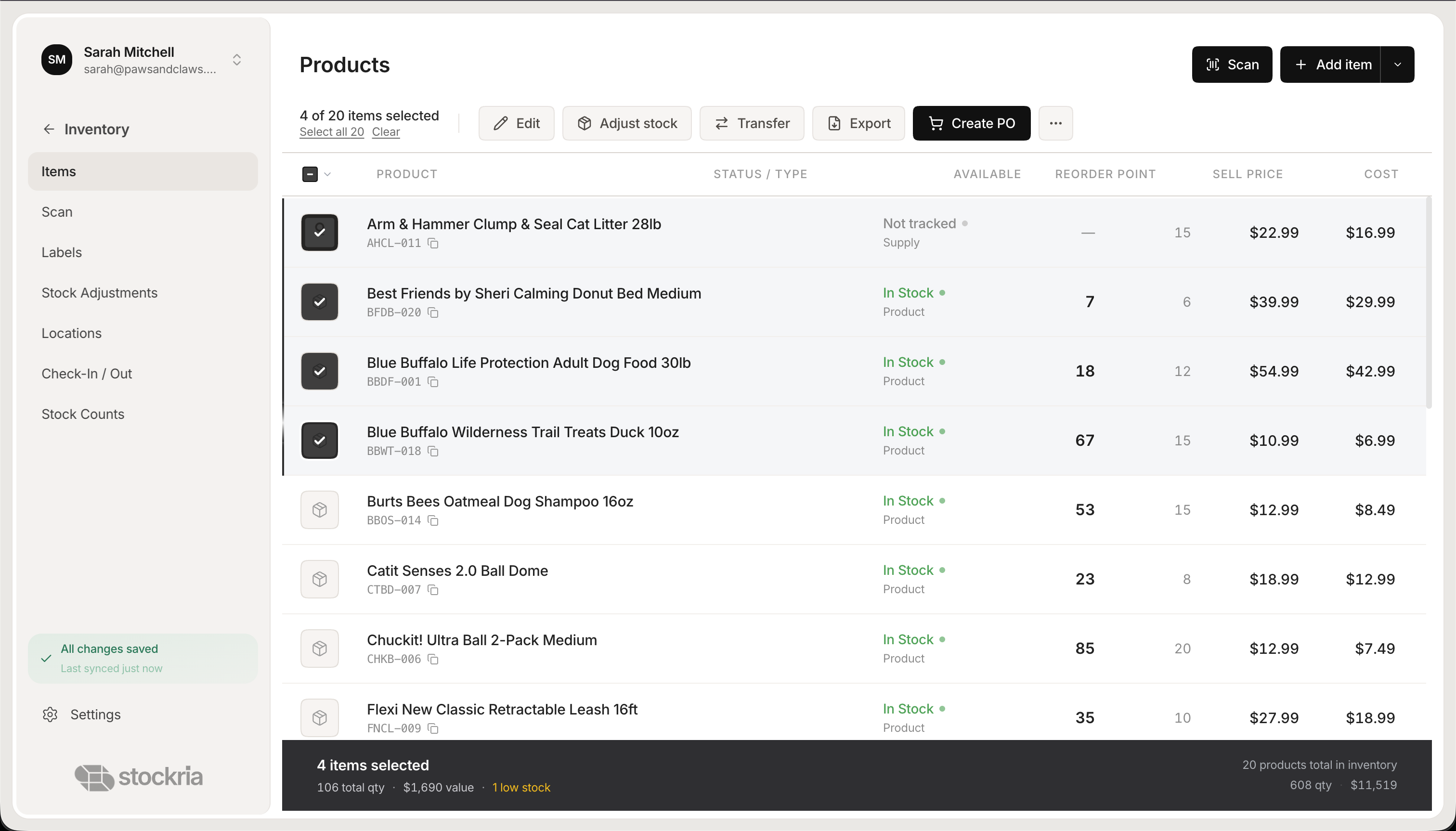
 Stockria in action - Real-time stock levels across every location. Filter, search, and manage your entire catalog from one screen.
How Stockria approaches inventory
Stockria is built entirely around inventory operations. Every feature exists to help you know what you have, where it is, and when to reorder. It is not an accounting tool, it is the system your team uses on the warehouse floor, in the stockroom, and at the receiving dock.
When QuickBooks alone is enough
QuickBooks handles inventory well enough if:
- You sell fewer than 50 products
- You do not need barcode scanning
- You rarely do physical stock counts
- You operate from a single location
- Your accountant or bookkeeper manages inventory as part of the books
In this scenario, adding a separate inventory tool creates unnecessary complexity. QuickBooks keeps everything in one place and ties inventory directly to your financial reports.
When you need Stockria alongside QuickBooks

Most businesses outgrow QuickBooks' inventory features once they hit a few hundred SKUs or add a second location. Signs your business needs a dedicated inventory tool:
- Your team scans barcodes. QuickBooks does not support phone-based barcode scanning. Stockria lets any team member scan items with their phone camera.
- You need cycle counting. Regularly verifying a portion of your inventory is critical for accuracy. QuickBooks does not offer a cycle counting workflow.
- You have multiple locations. QuickBooks Advanced ($200/month) adds multi-location support. Stockria Pro ($19/month) includes 2 locations. Stockria Business ($39/month) includes 5 locations, and Growth ($89/month) is unlimited.
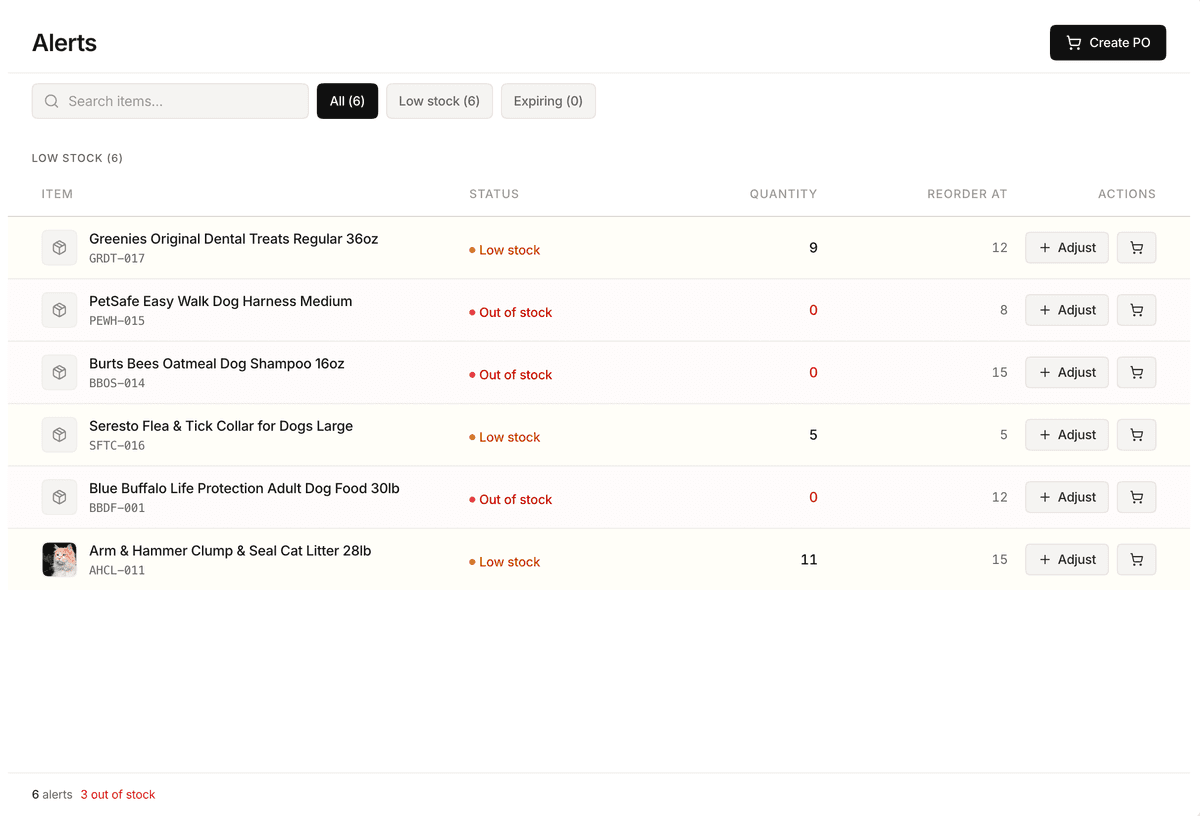
- You want reorder automation. Stockria calculates days until stockout based on your usage rate and tells you exactly when and how much to reorder. QuickBooks offers a basic reorder point but no velocity-based forecasting.
- Your warehouse has poor connectivity. Stockria works offline. QuickBooks Online requires an internet connection.
- You build finished goods from components. QuickBooks has no bills of materials and no manufacturing orders, only a quantity field per item. Stockria records each recipe's component quantities, prices the batch from them, and tells you how many units you can still build from what is on the shelf, on every plan including Free.
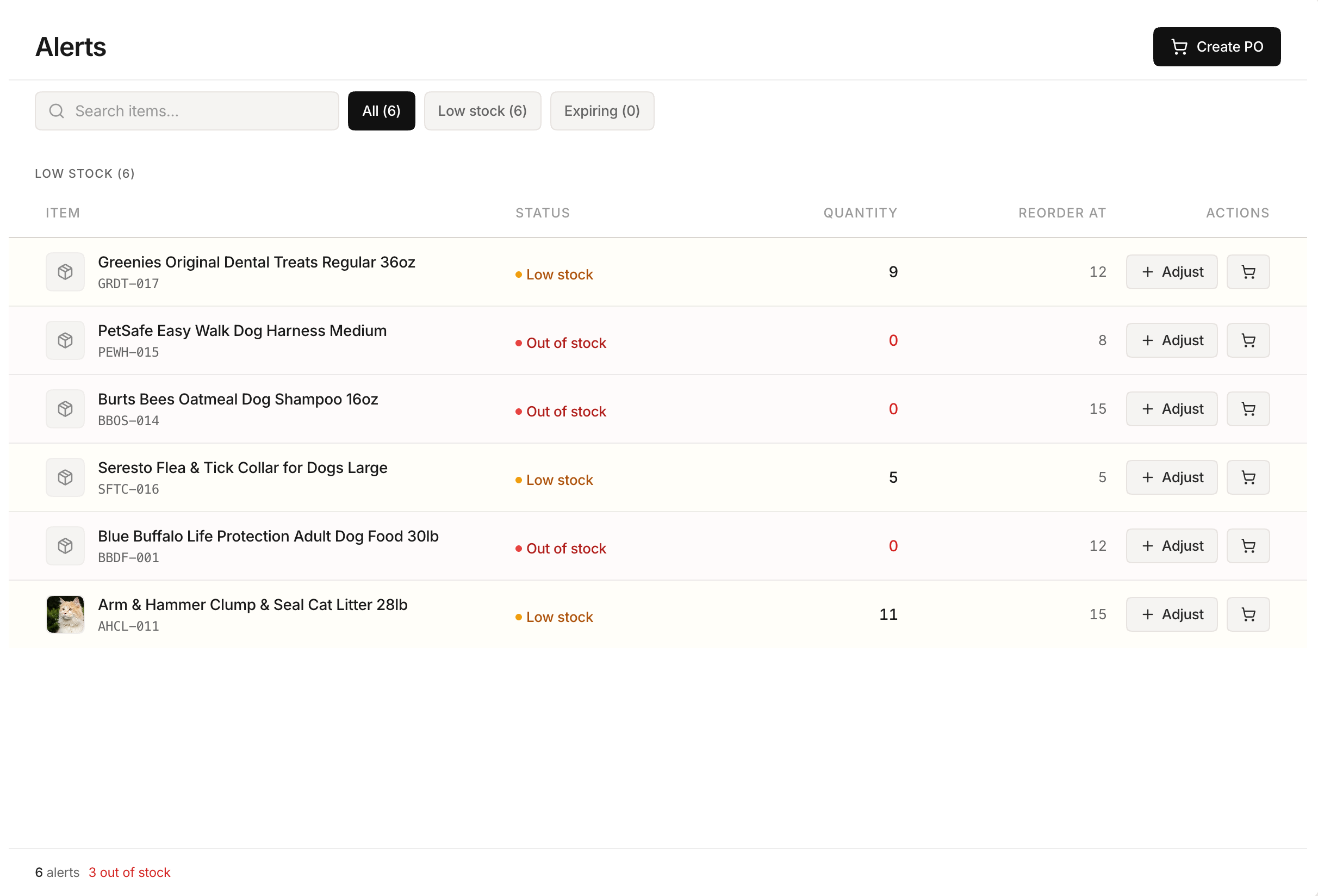 Stockria in action - Low-stock alerts with days-until-stockout projections. Know what to reorder before the shelf goes empty.
Using both together
The best setup for most businesses is Stockria for day-to-day inventory operations and QuickBooks for accounting. Stockria's Business plan ($39/month) includes QuickBooks integration, so your inventory data flows into your books without double entry.
Your warehouse team uses Stockria to scan, count, and reorder. Your accountant uses QuickBooks to reconcile, report, and file taxes. Each tool does what it was built to do.
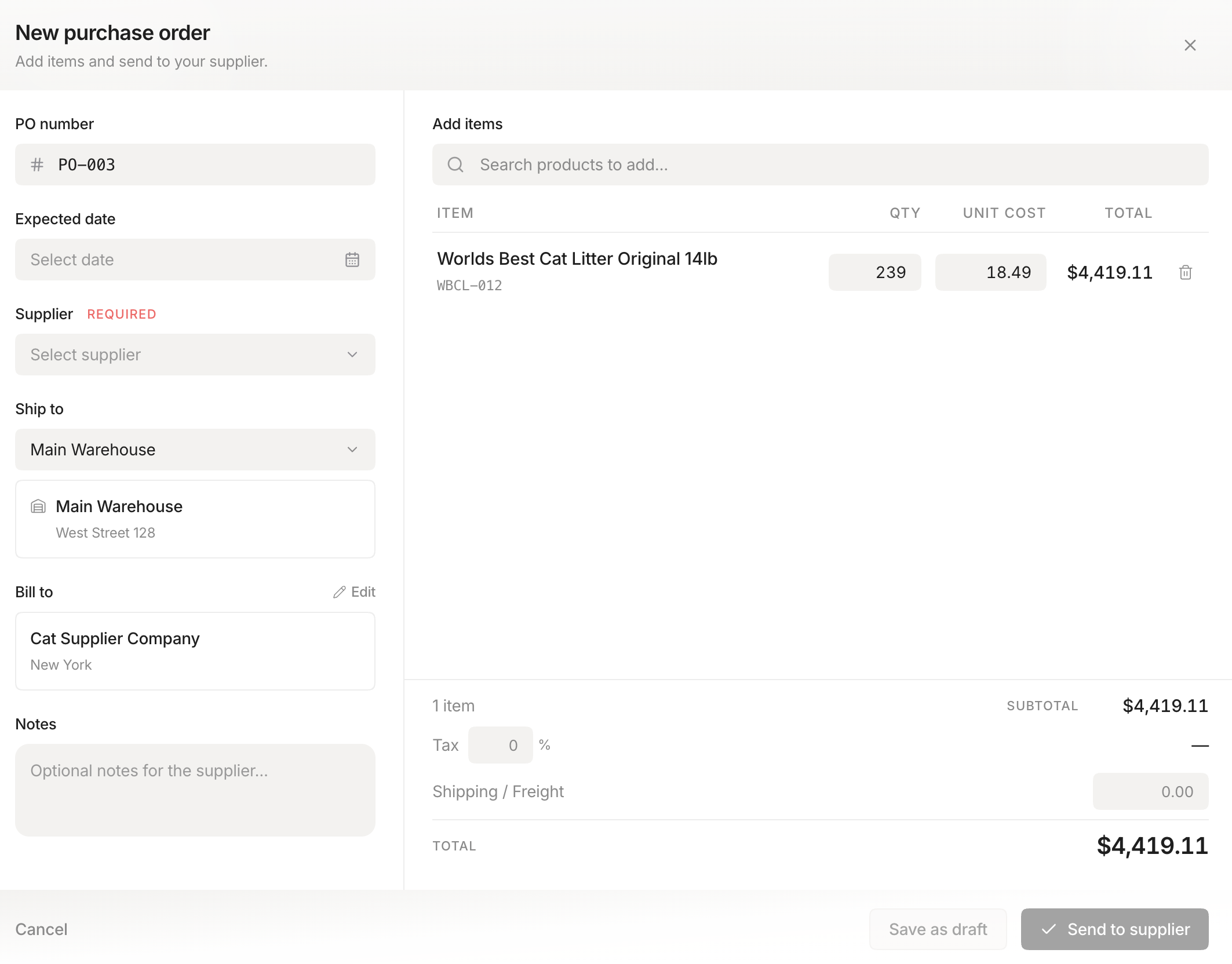 Stockria in action - Create and send purchase orders to your suppliers. Track from draft to received, all in one place.
The bottom line

QuickBooks is an excellent accounting tool with basic inventory features. Stockria is a purpose-built inventory platform that integrates with your accounting stack. If you have a handful of products and a single location, QuickBooks alone may be enough. If you scan barcodes, count stock regularly, or manage multiple locations, Stockria gives you the operational tools QuickBooks was never designed to provide.
Do not replace QuickBooks with Stockria. Use them together. Let each tool do what it does best.
Disclaimer: All competitor pricing, features, and plan details mentioned on this page are based on publicly available information at the time of writing and may have changed. We recommend verifying current details directly on the competitor's website. All trademarks and brand names belong to their respective owners. This comparison is provided for informational purposes only and reflects our honest assessment based on publicly available data. Stockria is not affiliated with, endorsed by, or sponsored by any of the companies mentioned.