

What is a stocktake?
A stocktake (also called a physical inventory count) is the process of physically counting every item in your inventory and comparing it to your records. The goal is to find and correct discrepancies between what your system says you have and what is actually on your shelves.
Every business that holds inventory should do stocktakes. The question is how often and how thorough. Retailers typically do a full stocktake once or twice a year with cycle counts in between. Warehouses with high-value goods might count weekly.
Preparation: the week before

Good preparation is the difference between a four-hour stocktake and a twelve-hour one.
Clean and organize. Put items in their designated locations. Products in the wrong spot get miscounted or missed entirely. Group similar items together. Remove damaged goods and set them aside for separate counting.
Update your records. Process all pending receipts, transfers, and adjustments before the count. If a shipment arrived yesterday but has not been entered into the system, it will show as a variance.
Prepare count sheets. Generate a list of all items and locations from your inventory system. Include the SKU, product name, location, and a blank column for the counted quantity. Some businesses leave the expected quantity off the sheet to prevent counters from just writing down the system number without actually counting.
Assign teams and zones. Divide your space into zones and assign two-person teams to each zone. One person counts, the other records. Two-person teams are more accurate and prevent shortcuts.
Schedule the timing. Count when no inventory is moving. Before store opening, after closing, or on a day you are closed. Receiving shipments and filling orders during a count creates chaos.
Counting methods
Tag counting. Place a numbered tag on each group of items. One person counts and writes the quantity on the tag. A second person later collects the tags and enters the data. Good for large warehouses with distinct locations.
Sheet counting. Teams work from printed count sheets organized by location. They walk through the location in order, count each item, and record it on the sheet. Simpler and works well for smaller businesses.
Scan counting. Use barcode scanners or a mobile app to scan each item and enter the counted quantity digitally. Eliminates transcription errors and speeds up data entry. Stockria supports scan-based counting from your phone.
Whichever method you choose, count everything. Open boxes and count the contents. Check behind other products on the shelf. Look on top of shelving units and underneath tables. Items hide in places you do not expect.
During the count
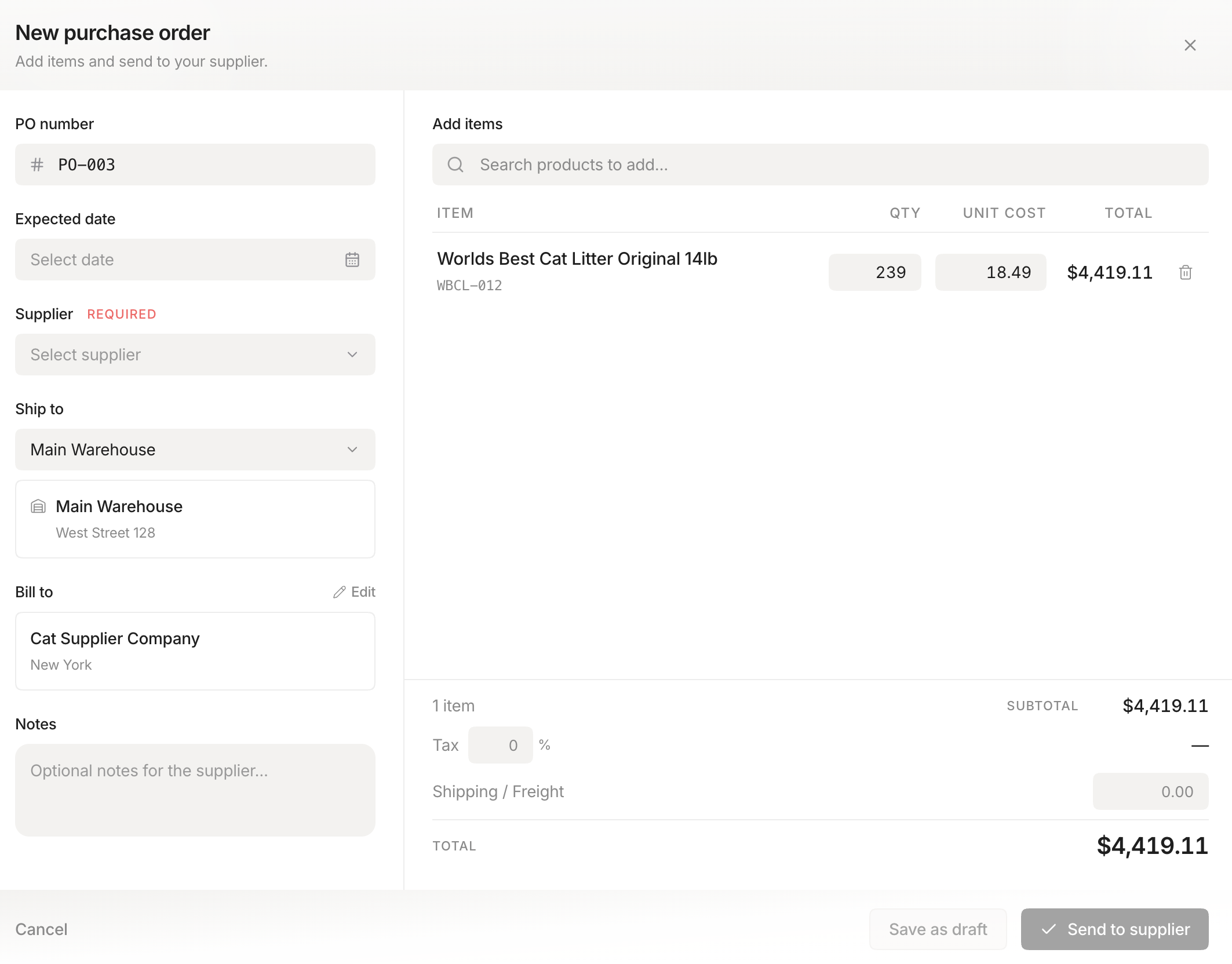 Stockria in action - Create and send purchase orders to your suppliers in seconds.
Count each item only once. Mark shelves or sections as "counted" once complete. Use tape, stickers, or a simple checkmark on the shelf tag. This prevents double-counting and missed sections.
Do not move items while counting. If you find an item in the wrong location, count it where it is and note the location discrepancy. Move it after the count is complete.
Flag items you cannot identify. If a product has no label, no SKU, and nobody recognizes it, tag it and move on. Investigate after the count.
Handle discrepancies in the moment. If a count seems obviously wrong (the shelf is full but the system says zero), recount immediately. Fresh eyes catch errors that compounding doubt misses.
Reconciliation: after the count
Compare counted quantities to system quantities. Focus on the variances.
Sort variances by value. A 2-unit variance on a $500 item matters more than a 10-unit variance on a $2 item. Prioritize investigation by dollar impact.
Investigate before adjusting. Do not just change the system number to match the count. Ask why the variance exists. Common causes: receiving errors (items arrived but were not scanned in), theft or shrinkage, damaged goods not recorded, picking errors (wrong item shipped), and data entry mistakes.
Document adjustments. When you adjust inventory in your system, record the reason. This creates an audit trail and helps identify patterns. If the same items are short every count, you have a systematic problem.
Update your system. Once variances are investigated and explained, enter the adjustments with reason codes. Your inventory records are now accurate as of the count date.
How often to count
Full stocktake: Once or twice per year for most small businesses. Quarterly if you have high-value inventory or persistent accuracy problems.
Cycle counts: Count a portion of your inventory on a regular schedule between full stocktakes. This spreads the work over time and keeps accuracy higher year-round. See our cycle counting guide for details.
The first stocktake is always the hardest. You will find surprises - items you forgot you had, quantities that are way off, products in the wrong location. That is normal. Each subsequent count gets faster and reveals fewer discrepancies, because you are catching and fixing problems regularly instead of letting them compound.