One pipeline for retail, trade, and online sales
Small businesses don't usually sell through just one channel. A shop that sells retail at the counter also does wholesale to a few trade customers, and takes orders through Shopify on the side. A craft maker ships through Etsy plus direct-to-consumer. A wholesaler invoices retail customers for high-value orders. Each channel has its own pricing, its own terms, its own fulfillment steps, and nobody wants three separate systems to run them.
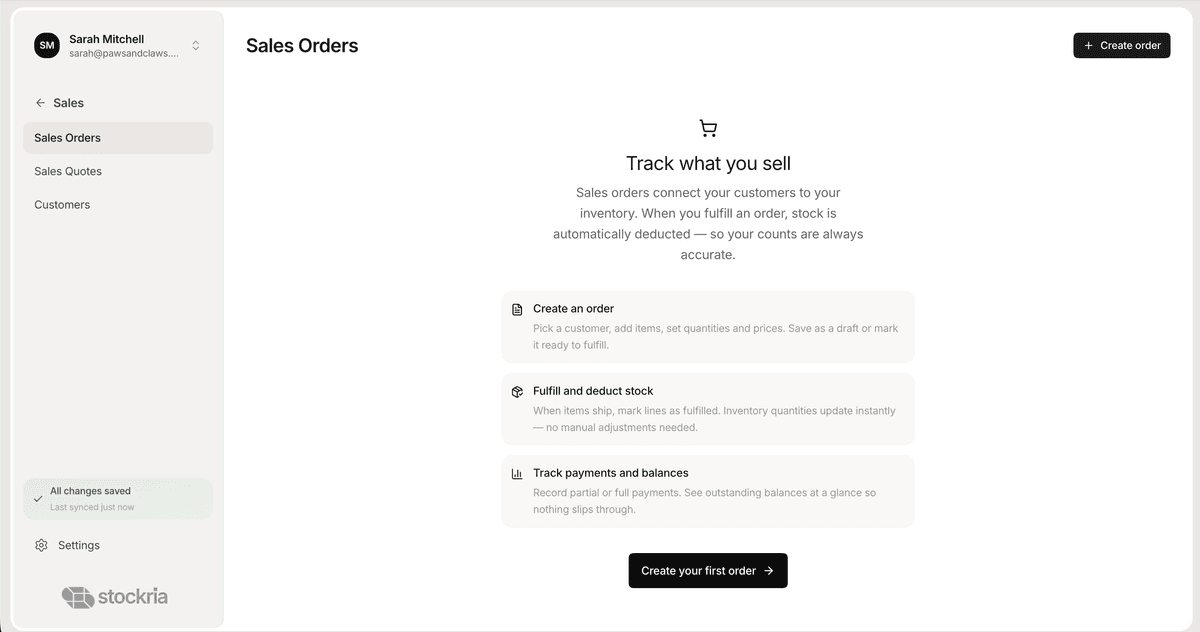
Stockria puts all three in one sales pipeline with one stock pool. Retail receipts, B2B invoices, and online orders flow into the same view, with the right pricing, terms, and fulfillment steps applied automatically per customer type.
How sales orders work in Stockria
Quote, order, invoice, paid
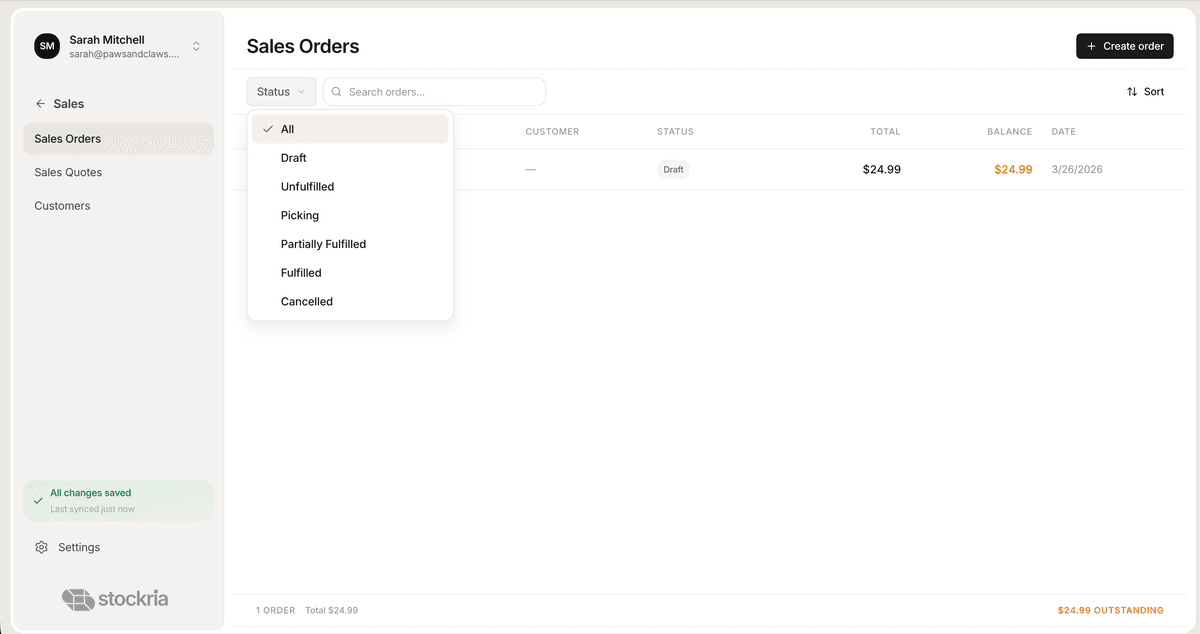
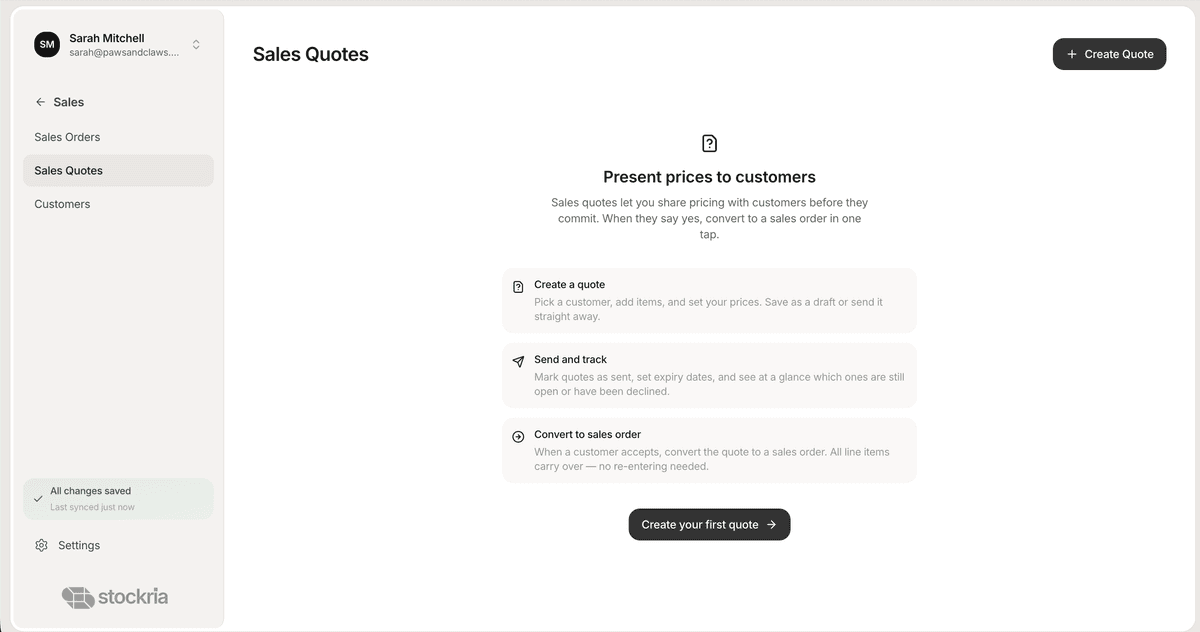
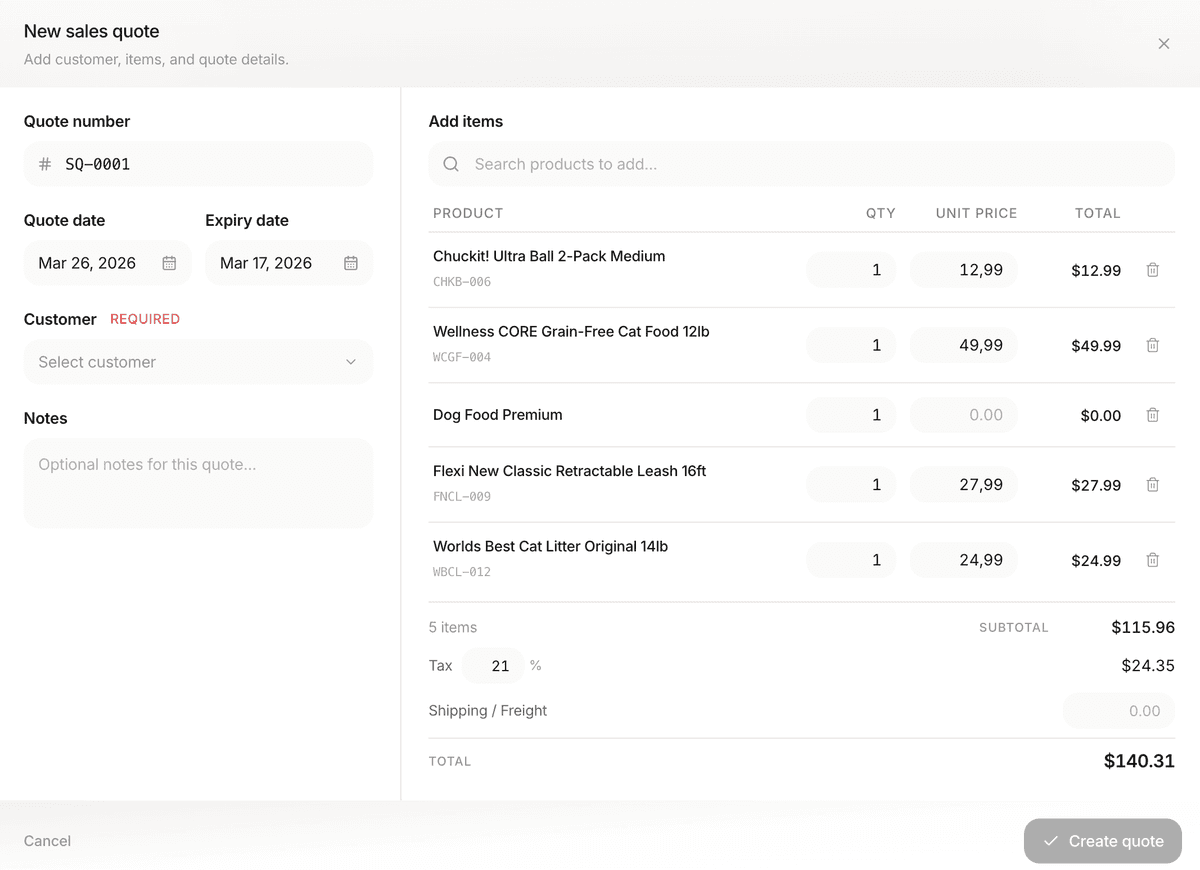
Trade customers get quotes that convert to orders with a click. Retail walk-ins skip the quote. Online orders come in pre-confirmed from Shopify. Every stage lives on the same record so you always see where the order is.
Customer-specific pricing
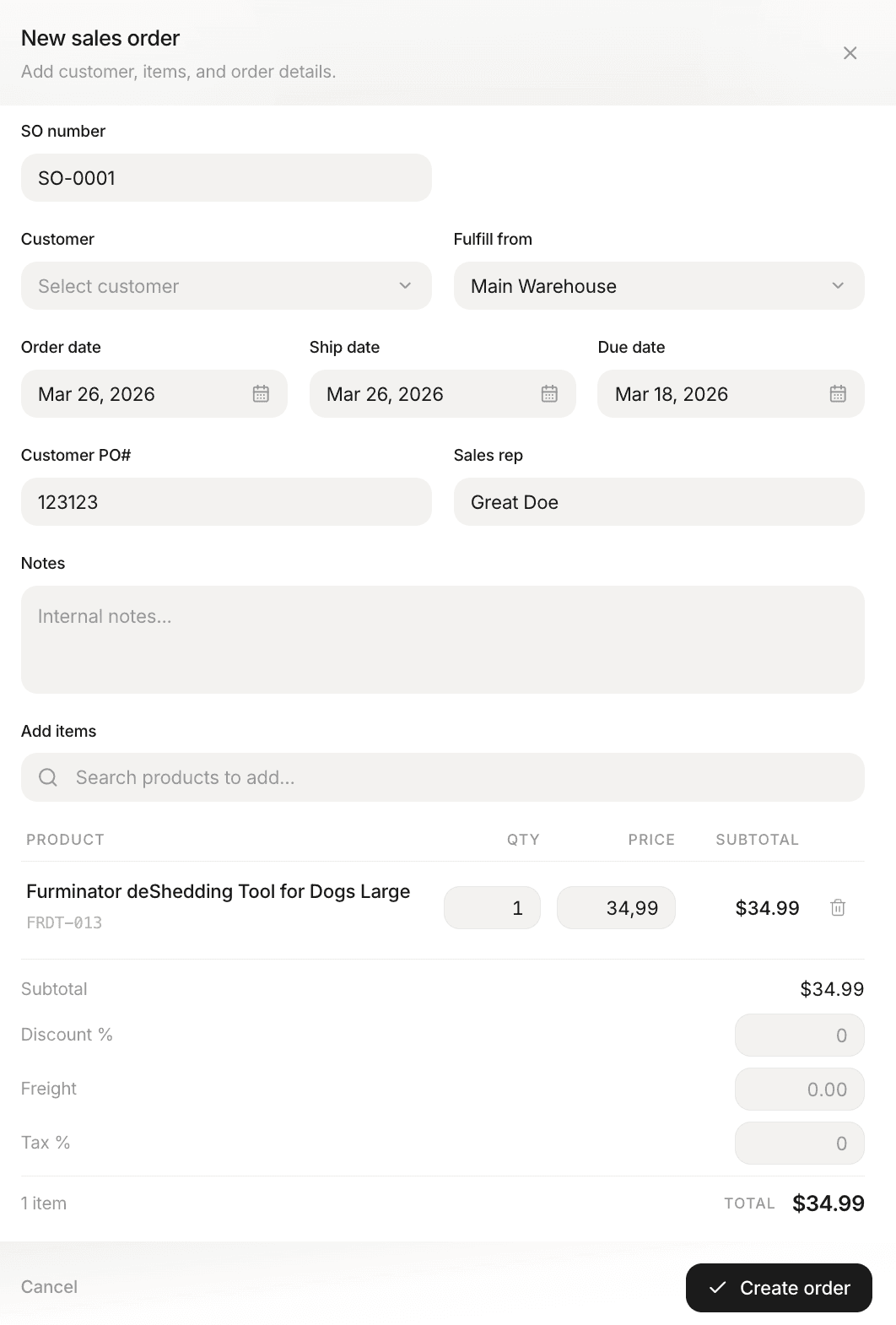
Set price lists per customer or customer group. Wholesale tiers apply automatically when the right contact is selected. Credit limits and payment terms (Net 15, Net 30) surface at order creation so you don't invoice a customer you shouldn't.
Stock drops the instant an order ships
Ship or fulfill an order and the on-hand count drops everywhere: in Stockria, on Shopify, across every location. No double-selling. No overnight sync gaps.
Pick and pack on the phone
Generate pick lists from open orders. Your team picks and scans on a phone or tablet, flagging substitutions and shortages as they go. Every scan updates the order's fulfillment status in real time.
Who this is for
Retail shops that also invoice trade customers. Wholesalers who need proper B2B terms. Craft sellers with a physical store plus an online storefront. Anyone running more than one sales motion who's tired of keeping them in separate tools.