

What is an inventory list and when do you need one?
An inventory list is a catalog of every product your business holds in stock. It is the foundation of any inventory management system, whether you use a notebook, a spreadsheet, or dedicated software.
You need an inventory list if you sell physical products, manage supplies, or maintain equipment. It gives you a single place to see what you have, what it is worth, and where it lives.
Essential columns for your inventory list

A useful inventory list does not need dozens of columns. Start with these core fields and add more only when you have a clear reason.
SKU or Item Number. A unique code for each product. Use a consistent format like category abbreviation plus sequential number (for example, EL-001 for your first electronics item). This prevents confusion when product names are similar.
Product Name. A clear, descriptive name. Be specific enough that anyone on your team can identify the exact item. "USB-C Cable 6ft White" is better than "Cable."
Category. Group products by type for easier filtering and reporting. Categories like Electronics, Apparel, or Office Supplies help you analyze inventory by segment.
Quantity on Hand. The current number of units in stock. This is the column you update most frequently.
Unit Cost. What you paid per unit. This helps you calculate your total inventory value and your margins.
Selling Price. What you charge the customer. Keeping cost and price side by side makes margin calculations quick.
Location. Where the item is physically stored. A shelf address or bin number so anyone can find it without asking.
Reorder Point. The quantity at which you need to order more. When quantity on hand drops to this number, it is time to reorder.
Supplier. The vendor you order from. Useful when you need to place a reorder quickly.
How to structure your list
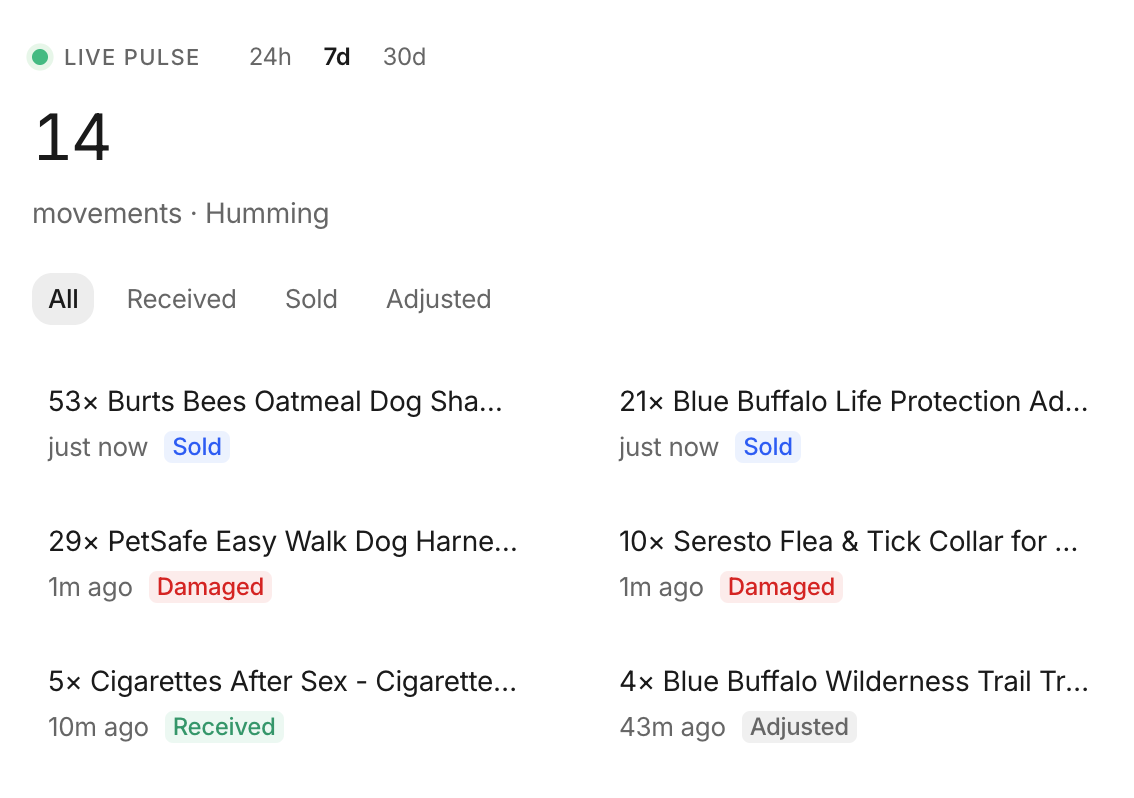 Stockria in action - Low-stock alerts tell you what's running out and when to reorder.
One row per product variant. If you sell a t-shirt in three sizes, each size gets its own row with its own SKU and quantity. Combining variants into a single row causes counting errors.
Sort by category, then by name. This makes it easy to scan through related products. Within each category, alphabetical order works well.
Freeze the header row. If you use a spreadsheet, freeze the top row so column headers remain visible as you scroll through hundreds of items.
Use data validation. In spreadsheets, set up dropdown lists for categories and locations. This prevents typos and keeps your data consistent.
Keeping your list accurate
An inventory list is only useful if it reflects reality. Follow these practices:
Update quantities in real time or at least daily. Every sale, shipment received, and adjustment should be reflected in your list.
Review for inactive items monthly. If a product has not sold in 90 days, flag it. Consider discounting it, removing it from your list, or stopping reorders.
Add new products immediately. When you introduce a new item, add it to the list before the first unit goes on the shelf. Waiting leads to untracked inventory.
Back up your data. If you use a spreadsheet, save a backup copy weekly. Losing your inventory list means starting the counting process from scratch.
Growing beyond a basic list
A simple inventory list works well for businesses with a single location and fewer than a few hundred SKUs. When you start selling across multiple channels or locations, the manual upkeep becomes a bottleneck. At that point, moving your list into inventory management software saves time and reduces errors significantly.