

What inventory forecasting does for your business
Inventory forecasting means using past data and known patterns to estimate how much stock you will need in the future. It sits between guessing and complex statistical modeling, and it is where most small businesses should operate.
Good forecasting helps you order enough product to meet demand without overbuying. It reduces stockouts during busy periods, prevents excess inventory during slow ones, and gives you more predictable cash flow.
Start with your historical sales data

Your best forecasting tool is data you already have: past sales records. If you have been tracking sales for at least a year, you have enough data to identify meaningful patterns.
Pull your sales data by product and by month. Look for:
- Average monthly sales for each product over the past 12 months
- Growth or decline trends (are sales rising 5 percent per month, or falling?)
- Months with unusually high or low sales (one-time events vs recurring patterns)
If you only have a few months of data, start with the average and adjust as you collect more information. Even three months of data is better than guessing.
Account for seasonality
Most businesses have seasonal demand patterns, even ones you might not expect. A cleaning supply company sells more in spring. A stationery shop peaks in August and January. A coffee roaster sees a bump during the holidays.
To identify your seasonal pattern, compare each month's sales to your annual average. If December is consistently 40 percent above average, that is your seasonal factor for December. Apply that factor to your baseline forecast.
A simple approach: divide each month's historical sales by the overall monthly average. If the result is 1.4, that month typically runs 40 percent above normal. Multiply your baseline forecast by 1.4 for that month.
Factor in lead times
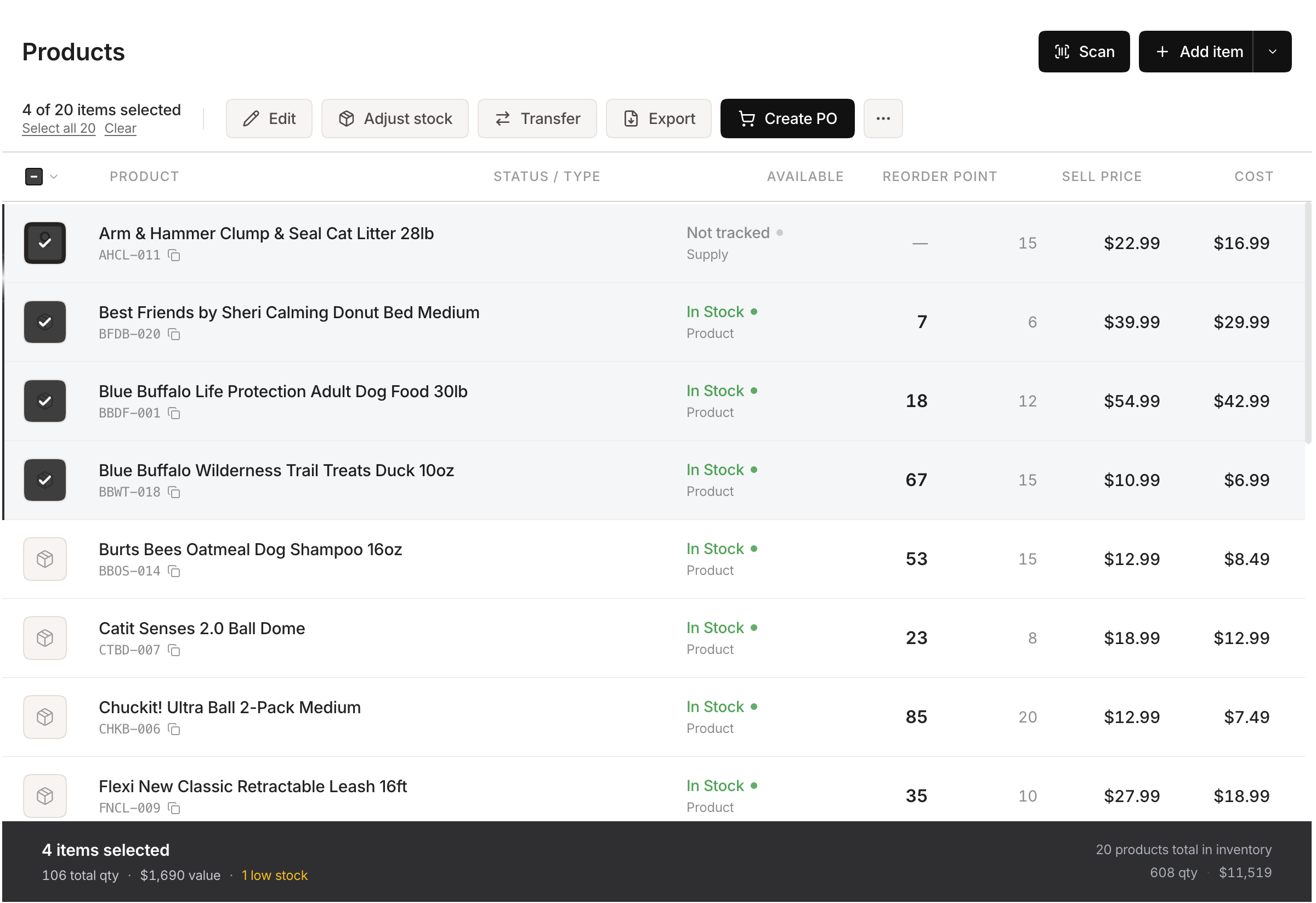 Stockria in action - Edit product details, adjust stock, and track cost from one screen.
Forecasting is only useful if you act on it early enough. If your supplier needs 3 weeks to deliver, you need to place your order 3 weeks before you need the stock. Reorder alerts triggered by your rolling sales rate make this trigger automatic instead of a weekly chore.
Work backward from your forecast:
- Determine when you expect to need the inventory.
- Subtract your supplier's lead time.
- Add a few extra days as a buffer for delays.
- That is your order date.
For seasonal peaks, this is especially important. If December demand is 40 percent higher than normal, you need those extra units on your shelves by late November, which means ordering in early November or sooner depending on your supply chain.
Three practical forecasting methods
Moving average: Average the last 3 to 6 months of sales. This smooths out random spikes and gives you a stable baseline. Best for products with steady demand.
Seasonal adjustment: Take your moving average and multiply it by a seasonal factor for each month. Best for products with predictable seasonal swings.
Trend-adjusted forecast: If your sales are consistently growing or shrinking, add the average monthly change to your moving average. This prevents you from under-ordering during growth or over-ordering during decline.
Start with the moving average. Add seasonal adjustment if you have a full year of data. Layer in trend adjustment once you spot a clear growth or decline pattern.
Common forecasting mistakes
Treating all products the same. Your top sellers need more sophisticated forecasting than slow-moving items. Focus your effort where volume is highest.
Ignoring external factors. A new competitor, a price change, or a marketing campaign will affect demand. Adjust your forecast when you know something has changed.
Never updating your forecast. A forecast made in January should be revised in March with actual January and February data. Compare what you predicted to what actually happened, learn from the gap, and adjust.
From forecast to action
A forecast only helps if it drives decisions. Use your numbers to set purchase order quantities, schedule orders around lead times, and adjust your budget for inventory spending each month. Even a rough forecast beats buying on gut instinct.