

Why equipment tracking is different from product tracking
Product inventory tracks items you sell. Equipment inventory tracks items you use - tools, machines, vehicles, computers, furniture, and other assets that keep your business running.
The goals are different too. With products, you care about quantities and turnover. With equipment, you care about condition, location, maintenance history, and depreciation. Losing track of a $15 product is a minor annoyance. Losing track of a $5,000 piece of equipment, or missing its maintenance schedule, is a real problem.
Many businesses skip equipment tracking until something goes wrong: a piece of equipment cannot be found, a warranty claim requires a serial number nobody recorded, or tax time arrives and the accountant asks for a depreciation schedule that does not exist.
What your template should include

Every equipment inventory entry needs these fields:
Asset ID. A unique identifier you assign. Keep it simple: EQ-001, EQ-002, etc. This is your internal reference regardless of what the manufacturer calls it.
Item name and description. Be specific. "Drill" is not enough. "DeWalt DCD771 20V Cordless Drill" tells you exactly what it is.
Serial number. Record the manufacturer's serial number. You need this for warranty claims, insurance, and theft reports.
Purchase date and cost. When you bought it and how much you paid. Essential for depreciation calculations and insurance coverage.
Current location. Where is this item right now? Warehouse A, Job Site 3, or assigned to Maria in accounting? Update this whenever the item moves.
Condition. A simple rating: Excellent, Good, Fair, Poor, or Out of Service. Update this during inspections.
Assigned to. Who is responsible for this equipment? Individual accountability reduces loss and misuse.
Warranty expiration. When does the manufacturer warranty end? This prevents you from paying for repairs that should be covered.
Maintenance schedule and history. What maintenance is required and when? Log every maintenance event with the date and what was done.
Setting up the template
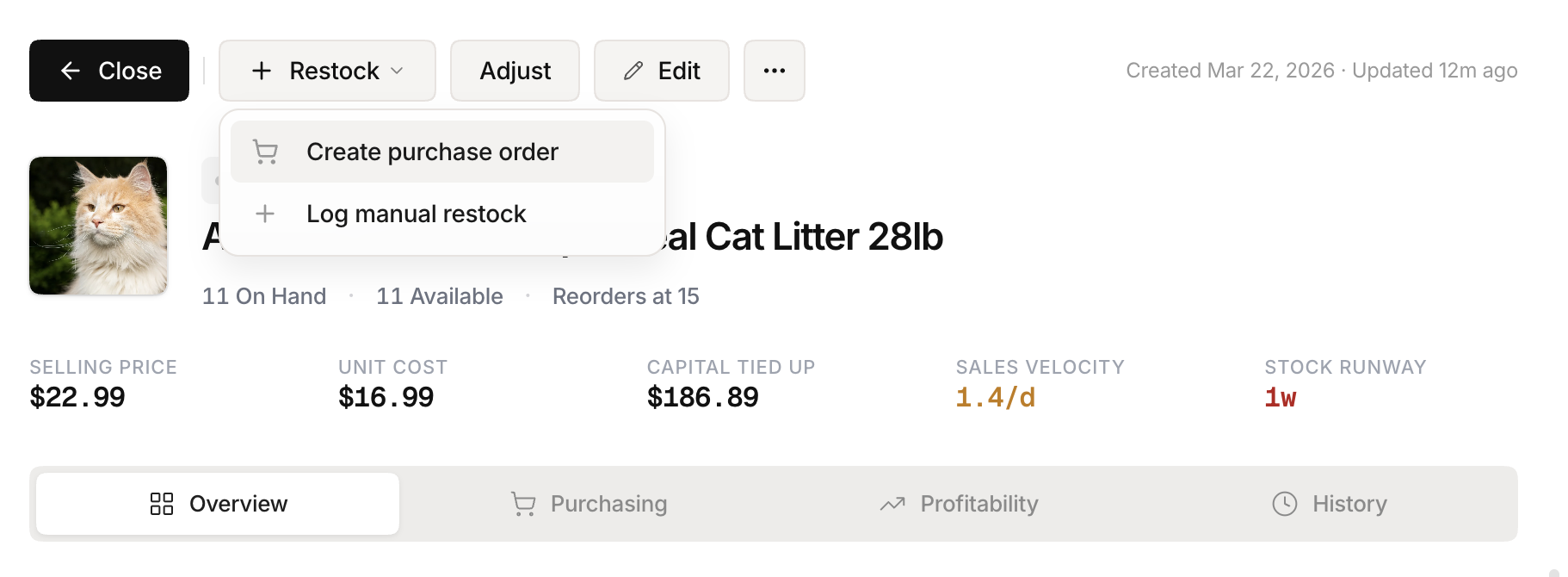 Stockria in action - Reorder point tracking keeps your supply chain on schedule.
Start with a spreadsheet. Create columns for each field listed above. Add one row per piece of equipment.
For small businesses with under 50 assets, a well-maintained spreadsheet works fine. Create a tab for the master list and a separate tab for the maintenance log. Link them with the Asset ID.
Schedule a quarterly review. Walk through your location with the spreadsheet and verify each item. Update conditions, locations, and flag anything missing or needing repair.
Maintenance tracking
Equipment without maintenance tracking breaks down at the worst time. Set up simple reminders based on either calendar intervals or usage hours.
Calendar-based. The HVAC system gets serviced every 6 months. The company vehicle gets an oil change every 3 months.
Usage-based. The CNC machine gets inspected every 500 hours of operation. The forklift gets serviced every 200 hours.
Log every maintenance event: date, what was done, who did it, cost, and the next scheduled service date. This history is valuable when deciding whether to repair or replace aging equipment.
When to move beyond a spreadsheet
Spreadsheets break down when you have more than 50 assets, multiple locations, or several people who need to update records. Common problems include conflicting versions, missed maintenance reminders, and no audit trail for changes.
An inventory management tool like Stockria lets you track equipment alongside your product inventory. Tag assets separately from sellable goods, attach photos and documents, set maintenance reminders, and give your team mobile access to scan and update equipment records on the go. The structured system catches what spreadsheets miss.