

What QuickBooks does for inventory
QuickBooks Online Plus and Advanced include inventory tracking features. You can create inventory items, track quantities on hand, set up purchase orders, and see basic inventory reports.
When you create an invoice or sales receipt, QuickBooks reduces the quantity of items sold. When you record a bill from a supplier, it increases quantities. Your cost of goods sold updates automatically.
For a business with under 50 items and straightforward buying and selling, this covers the basics well enough.
Where QuickBooks inventory works

Simple product businesses. If you buy finished goods from suppliers and resell them without modification, QuickBooks handles the core workflow. Buy, stock, sell, repeat.
Service businesses with some inventory. A plumber who stocks common parts or a salon that sells products alongside services. Inventory is a small part of the business, not the centerpiece.
Businesses just starting out. If you are already paying for QuickBooks for accounting, using its built-in inventory avoids adding another subscription before you know what you really need.
The limitations you will hit
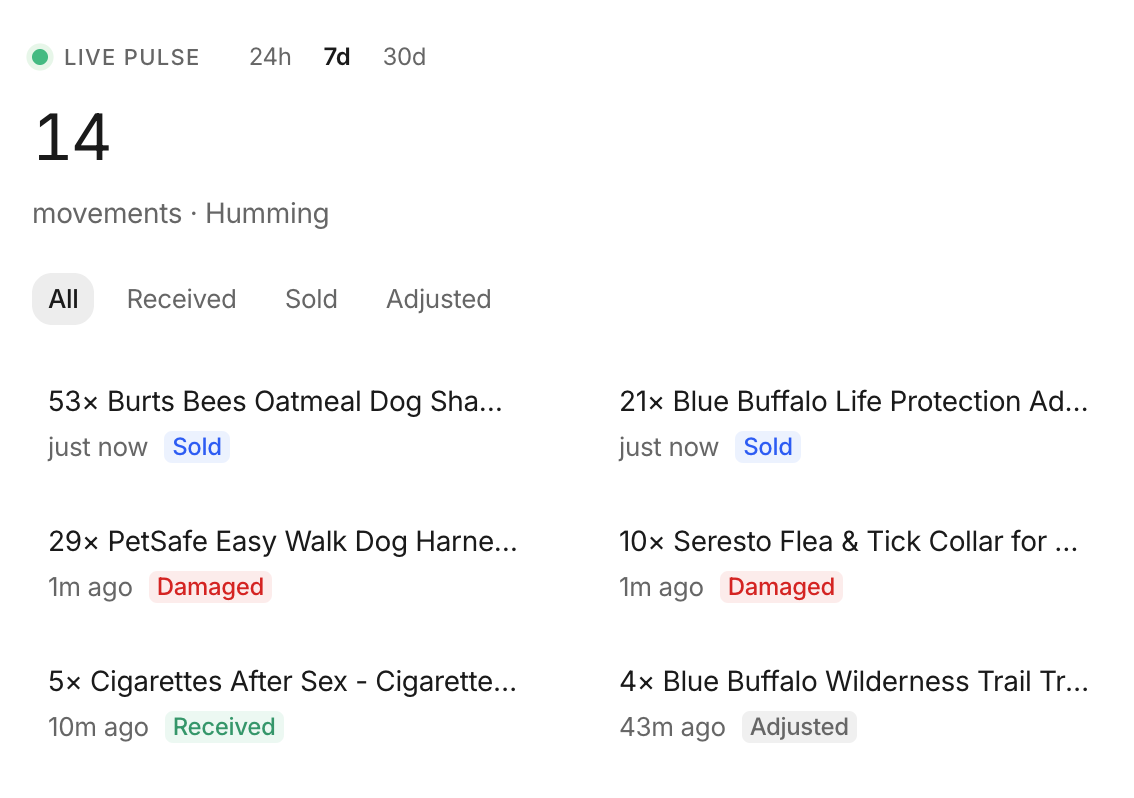 Stockria in action - Low-stock alerts tell you what's running out and when to reorder.
No multi-location tracking. QuickBooks does not natively track inventory across multiple warehouses or stores. If you have stock in two places, you are managing that outside the system.
No barcode scanning. There is no built-in barcode scanning for receiving or counting inventory. You type everything manually.
Basic reporting only. You can see what is in stock and what sold, but advanced reports like inventory aging, dead stock analysis, or demand forecasting are not available.
No batch or serial number tracking. If you need to track lots, batches, or serial numbers for recalls or warranty purposes, QuickBooks cannot do it.
No manufacturing support. QuickBooks does not understand bills of materials, work-in-progress, or production. If you make things, you need different tools.
Limited purchase order workflow. You can create POs, but there is no approval workflow, no automatic reordering, and receiving against a PO is clunky.
Inventory count challenges. Doing a physical inventory count in QuickBooks means manually adjusting quantities one by one. There is no streamlined count sheet or cycle counting feature.
When to add dedicated inventory software
The tipping point usually comes when you pass 100 SKUs and manual entry becomes a daily time drain, you add a second selling channel or storage location, you need barcode scanning to keep up with volume, inventory errors start costing you real money in stockouts or overstock, or you start manufacturing and need BOM tracking.
You do not have to replace QuickBooks. The best approach is to keep QuickBooks for accounting and add inventory software that syncs with it. Your financial data stays in QuickBooks. Your inventory operations move to a tool built for that purpose.
The practical path
Use QuickBooks inventory until it hurts. You will know when you have outgrown it because you will spend more time working around its limitations than working in it. When that happens, look for inventory software that integrates with QuickBooks so your accounting stays seamless.