

What is an inventory sheet?
An inventory sheet is a printed or digital form used during physical stock counts. It gives your team a structured way to record what they find on the shelves, bin by bin, so nothing gets missed or double-counted.
While digital tools are great for day-to-day tracking, many businesses still prefer printed sheets for physical counts. Paper does not crash, does not need charging, and can be handed to anyone on your team without a login.
Columns your inventory sheet needs

Keep it simple. Too many columns slow down the counting process and increase errors. Here are the essentials:
- Location. The zone, aisle, shelf, and bin where the item is stored. Pre-fill this column so counters just work through the sheet in order.
- SKU. The product identifier. Pre-fill this as well to reduce writing time.
- Product Name. A short description so counters can visually confirm they are looking at the right item.
- Expected Quantity. What your system says should be there. Some businesses leave this blank to avoid biasing the counter. Others include it for faster reconciliation.
- Counted Quantity. The actual number the counter records. This is the only column the counter fills in during the count.
- Variance. The difference between expected and counted quantities. Calculate this after the count.
- Notes. Space for observations like "damaged packaging," "wrong location," or "mixed with another SKU."
Layout tips for a usable sheet
Organize by physical location, not alphabetically. Your counter should be able to start at one end of the storage area and work through the sheet in order without backtracking. Match the sheet's order to the walking path.
Use large row heights. People writing on clipboards need enough space to write clearly. Cramped rows lead to illegible numbers, which defeats the purpose.
Print on standard letter-size paper. Avoid legal size or unusual formats that do not fit standard clipboards.
Include a header section at the top of each page with fields for: Date, Counter Name, Zone or Section, and Page Number. This keeps sheets organized when multiple people are counting different areas simultaneously.
Number the pages. If a page gets separated from the stack, you will know immediately because the sequence breaks.
Running an accurate count with your sheet
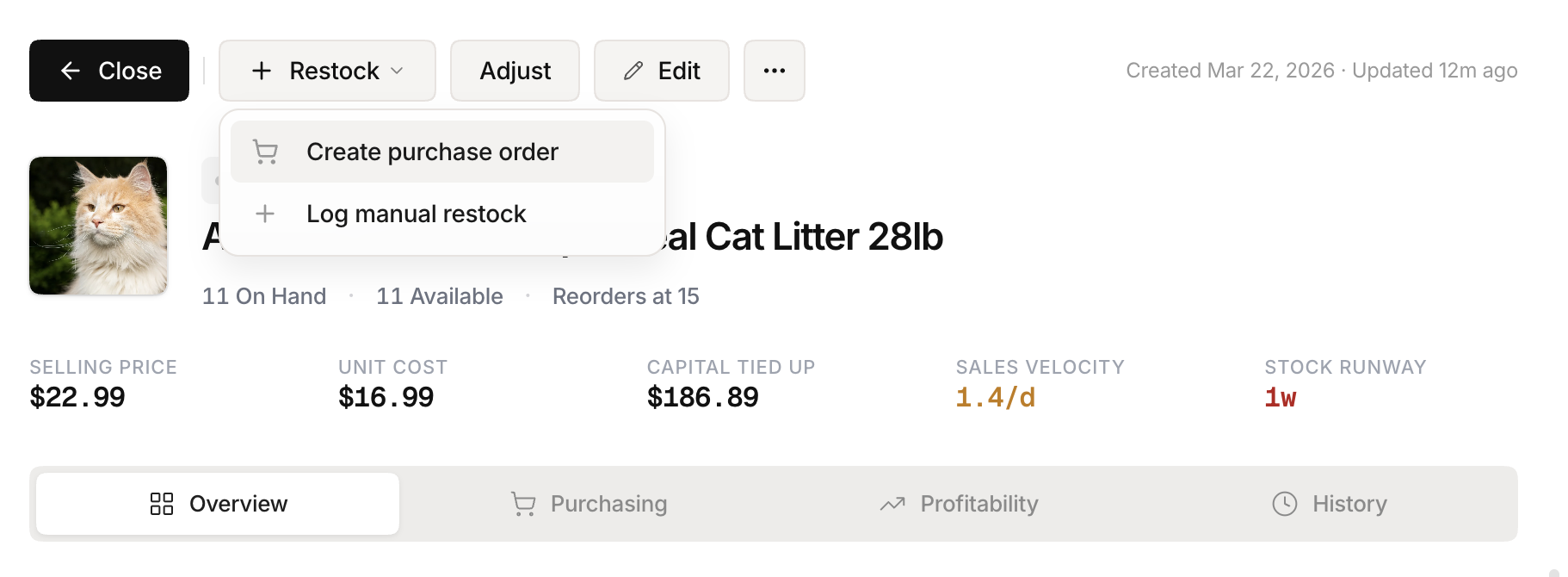 Stockria in action - Reorder point tracking keeps your supply chain on schedule.
Pre-count preparation. Print enough sheets to cover every location in your storage area. Assign each counter a specific zone and give them only the sheets for their zone. Brief the team on how to count: touch each item, count in one direction, mark the shelf as done.
During the count. Counters work through their sheets from top to bottom, recording the quantity they see. If they are unsure about an item, they note it rather than guessing. If an item is not on the sheet, they write it in the notes column at the bottom of the page.
After the count. Collect all sheets, enter the counted quantities into your system, and calculate variances. Investigate any discrepancy above your threshold, typically anything more than a few percent. Adjust your system records only after you understand why the variance exists.
Handling discrepancies
When counted and expected quantities do not match, resist the urge to just update the number. Ask why:
- Was a recent transaction not recorded?
- Was the item placed in the wrong location?
- Is there damage or shrinkage?
- Was there a receiving error on the last shipment?
Documenting the reason for each adjustment helps you prevent the same problem in the future.
Making count day less painful
Physical counts do not have to be a dreaded all-day event. With a well-designed inventory sheet and a clear process, a small team can count a few hundred SKUs in a couple of hours. Do it regularly with cycle counts, and the annual full count becomes a quick verification instead of a major disruption.