

What is an inventory checklist and why do you need one?
An inventory checklist is a structured document you use during physical counts to make sure nothing gets missed. Without one, counts are inconsistent. One person checks expiration dates, another skips them. Someone counts a shelf twice, while a whole section gets overlooked.
A good checklist standardizes the process so every count is thorough, every team member follows the same steps, and your final numbers are reliable.
What belongs on your checklist

Your checklist should cover three phases: preparation, counting, and reconciliation.
Before the count:
- Notify staff of the count date and time
- Pause receiving and shipping during the count (if possible)
- Print count sheets or prepare your digital counting tool
- Organize storage areas and return misplaced items to correct locations
- Verify all recent transactions have been recorded in your system
- Assign counting zones and teams
During the count:
- Count each item by location, not by product (prevents skipping areas)
- Record the product name, SKU, location, and counted quantity
- Note any damaged, expired, or unsellable items separately
- Do not adjust system records during the count
- Have a second person verify counts for high-value items
- Mark each shelf or bin as "counted" when complete
After the count:
- Compare counted quantities to system quantities
- Flag discrepancies above your threshold (for example, any variance over 2 percent)
- Investigate significant discrepancies before adjusting records
- Update system records with verified counts
- Document the cause of any adjustments
- File completed count sheets for reference
How to organize your checklist by category
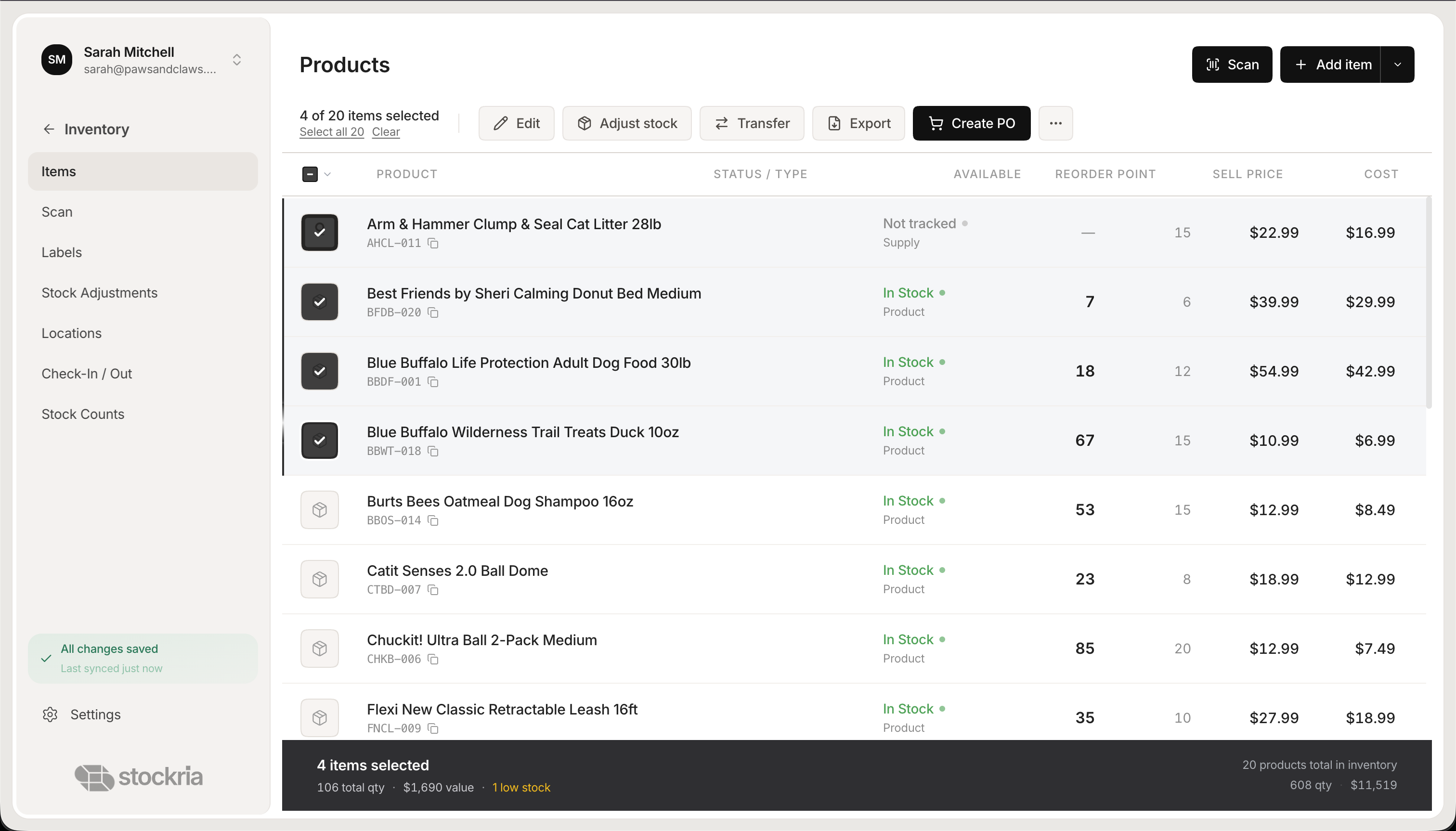 Stockria in action - Manage your entire product catalog with stock levels, pricing, and reorder points.
Group items in your checklist the way they are physically organized, not alphabetically. If your storage area has zones, your checklist should follow those zones in order. This keeps your counting team moving in one direction without backtracking.
Within each zone, list items by shelf and bin position. This matches the physical flow of counting: start at the top left of a shelving unit, work across, then move down.
For businesses with multiple product categories, you can add a column for category to help with sorting and analysis after the count.
Tips for accurate counts
Count at a quiet time. Early morning before operations start or after closing hours gives you the most accurate results because nothing is moving in or out.
Use two-person teams for large counts. One person counts while the other records. This reduces errors and speeds up the process.
Do not round. If you count 47 units, write 47. Rounding to 50 because "it is probably close" defeats the purpose of counting.
Count everything, even if it looks right. Skipping items because they "look like the right amount" is the fastest way to miss shrinkage and errors.
Making your checklist reusable
Save your checklist as a template you can reprint or copy for each count cycle. Update it whenever you add new products, change your storage layout, or adjust your counting process. A checklist that evolves with your business stays useful over time.