

Why barcodes matter for small businesses
Barcodes eliminate manual data entry. Instead of typing a product name or SKU to look up an item, log a sale, or receive a shipment, you scan a barcode in under a second. This is faster, more accurate, and scales as you grow.
You do not need barcodes when you have 10 products and one employee. But once you pass 50 SKUs, hire a second person, or start selling through retailers who require them, barcodes become essential.
Creating the codes is one step. For the bigger picture of how scanners, software, and labels fit together, see our guide to setting up a barcode system for a small business.
Barcode types: which one do you need?

UPC (Universal Product Code). The standard 12-digit barcode used in North American retail. If you sell products in stores or on Amazon, you likely need UPC codes. Each product variation (size, color) gets its own UPC.
EAN (European Article Number). The 13-digit international equivalent of UPC. Required for selling in Europe and most countries outside North America. EAN-13 includes UPC-A as a subset, so an EAN scanner reads UPC codes and vice versa.
Code 128. A flexible barcode format that encodes letters, numbers, and symbols. Commonly used for internal inventory tracking, shipping labels, and warehouse locations. You do not need to register Code 128 barcodes because they are for internal use only.
QR codes. Two-dimensional codes that store more data - URLs, text, serial numbers. Useful for linking to product pages, warranty registration, or detailed product information. Not a replacement for UPC/EAN in retail settings.
What most small businesses actually need: If you sell through retail stores or major online marketplaces, get UPC codes. If you only need internal tracking for your warehouse or shop, Code 128 or simple numeric barcodes are sufficient and free to generate.
How to get UPC/EAN codes
Step 1: Register with GS1. GS1 is the global organization that manages UPC and EAN numbers. In the US, go to gs1us.org. You pay an initial fee (starting around $250 for a small number of codes) plus an annual renewal fee. GS1 assigns you a company prefix, and you assign the remaining digits to each product.
Step 2: Assign numbers to products. Each product variation needs a unique number. A t-shirt in three sizes and two colors needs six barcodes, not one. Document every assignment in a spreadsheet or your inventory system.
Step 3: Generate barcode images. Use a free barcode generator (many available online or built into inventory software) to turn your UPC numbers into printable barcode images. Enter the number, select the format, and download the image.
A note about resellers: Some websites sell individual UPC codes for $5-10 each without GS1 registration. These are technically recycled or unauthorized codes. Major retailers and Amazon increasingly reject non-GS1 codes. If you plan to sell through established channels, register with GS1.
Printing barcodes
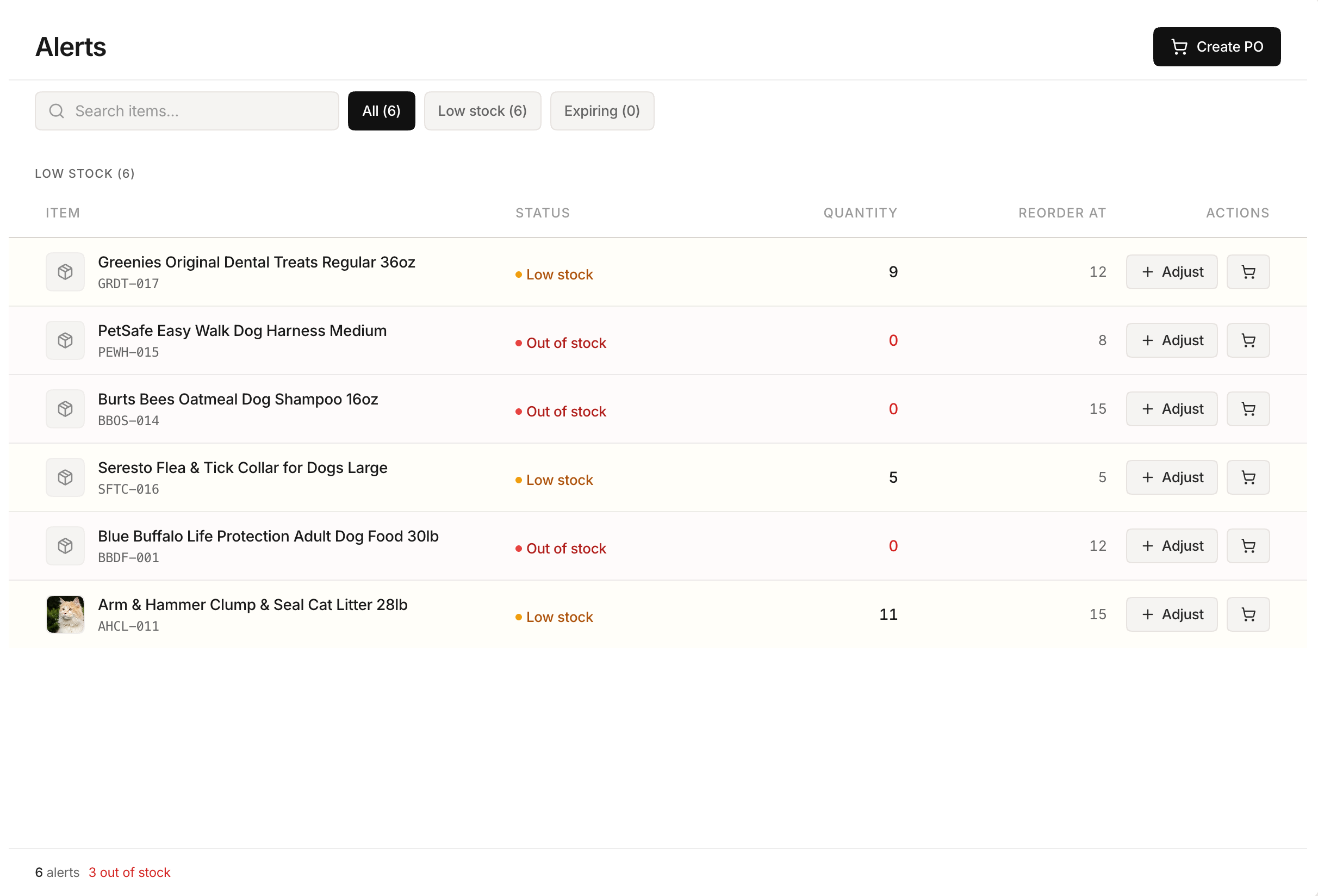 Stockria in action - Full alerts dashboard with days-until-stockout projections.
On product labels. Use a thermal label printer (Dymo, Zebra, or Brother) to print barcode labels. These start at $50-150 for basic models. Print and stick labels on each product or its packaging.
On product packaging. If you design your own packaging, include the barcode in the artwork. Your packaging printer will need the barcode image at high resolution (300 DPI minimum). Always include the human-readable number below the barcode.
Label size matters. A UPC barcode needs to be at least 1.175 x 0.816 inches at 100% size. Shrinking it too small makes it unscannable. Test your printed barcodes with your scanner before producing a full batch.
Scanning barcodes
You have three options for scanning:
Smartphone camera. Most inventory apps, including Stockria, use your phone's camera as a barcode scanner. Free and always available, but slightly slower than dedicated hardware.
USB barcode scanner. A wired scanner plugged into your computer. Costs $30-80 and works with any software that accepts keyboard input. The scanner simply types the barcode number into whatever field is active.
Bluetooth scanner. A wireless scanner that pairs with your phone or tablet. Costs $50-150. Ideal for warehouse work where you need to move freely.
For most small businesses starting out, a smartphone camera works fine. Upgrade to a dedicated scanner when scanning speed becomes a bottleneck.
Getting started
If you only sell direct to consumers from your own website or store, start with Code 128 or simple internal barcodes. Generate them for free, print labels, and start scanning. If you sell through retailers or Amazon, invest in GS1 registration and UPC codes from day one. It is easier to set up correctly at the start than to retrofit barcodes onto hundreds of products later.