

The problem with disconnected systems
You sell a product at the register. Your POS records the sale. But your inventory system does not know about it until someone manually enters the adjustment. By then, your inventory counts are wrong.
This is how most small retailers operate, and it creates a cascade of problems. You think you have 12 of something when you actually have 8. You delay reordering because your numbers look fine. You stockout and lose sales. Then you spend hours reconciling the discrepancy.
What connected POS and inventory looks like
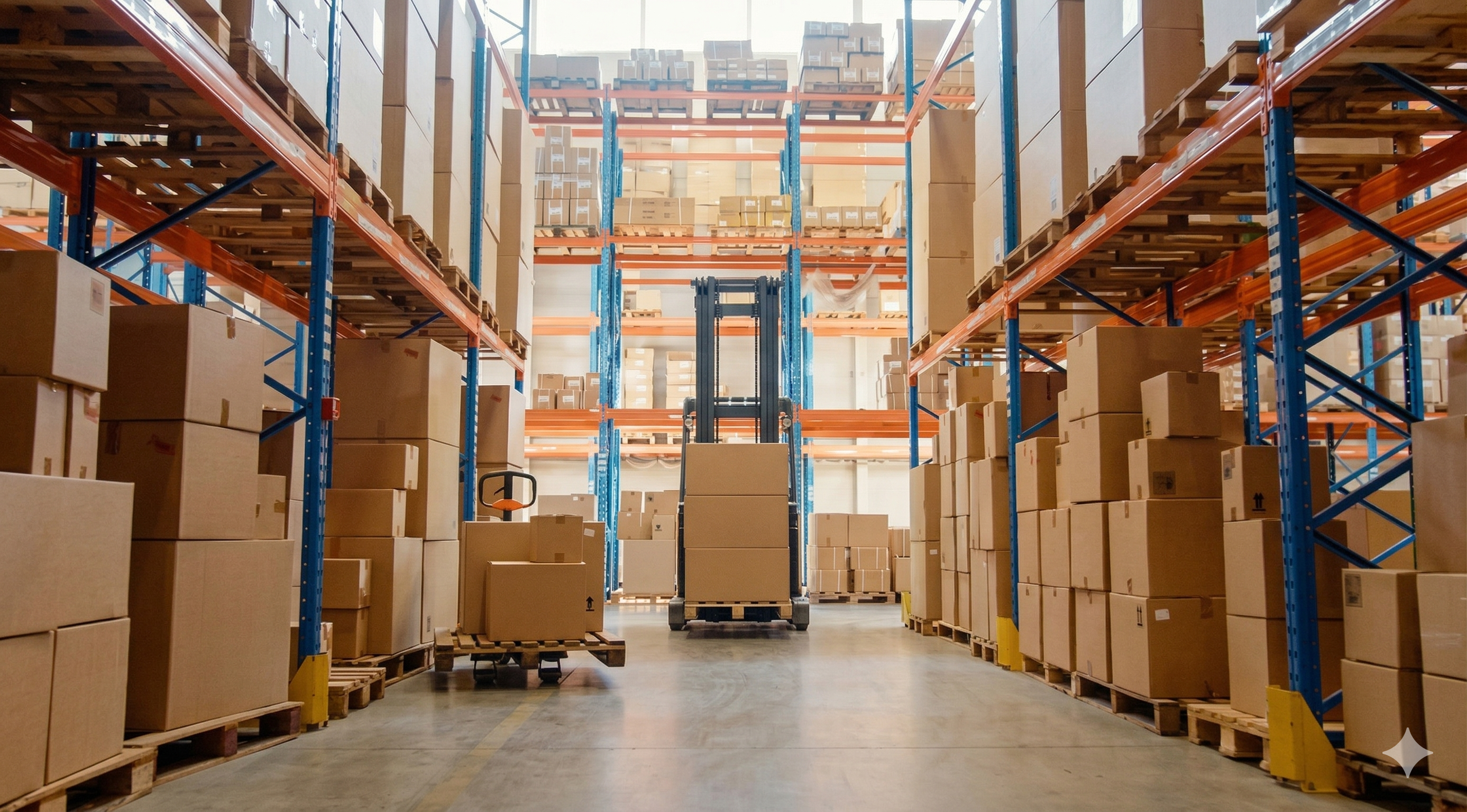
When your POS and inventory system talk to each other, every sale automatically reduces inventory. Every return automatically adds it back. Your stock levels are accurate in real time, not just after your weekly count.
This means reorder alerts trigger at the right time, your e-commerce store shows accurate availability, purchase decisions are based on real data, and end-of-day reconciliation takes minutes instead of hours.
Three ways to connect them
Option 1: Use a POS with built-in inventory management. Systems like Square, Shopify POS, and Lightspeed include inventory features. This is the simplest approach. The downside is that POS-built inventory features tend to be basic - limited reporting, no purchase order management, and weak multi-location support.
Option 2: Use separate tools with an integration. Keep your POS for what it does best (processing sales) and use dedicated inventory software for what it does best (tracking stock). Connect them through an integration. This gives you the best of both worlds but requires the tools to support each other.
Option 3: Manual sync with discipline. If your volume is low enough, you can update inventory manually after each shift. This works for businesses doing fewer than 20 transactions per day. Above that, manual updates become a source of errors.
What your POS should send to inventory
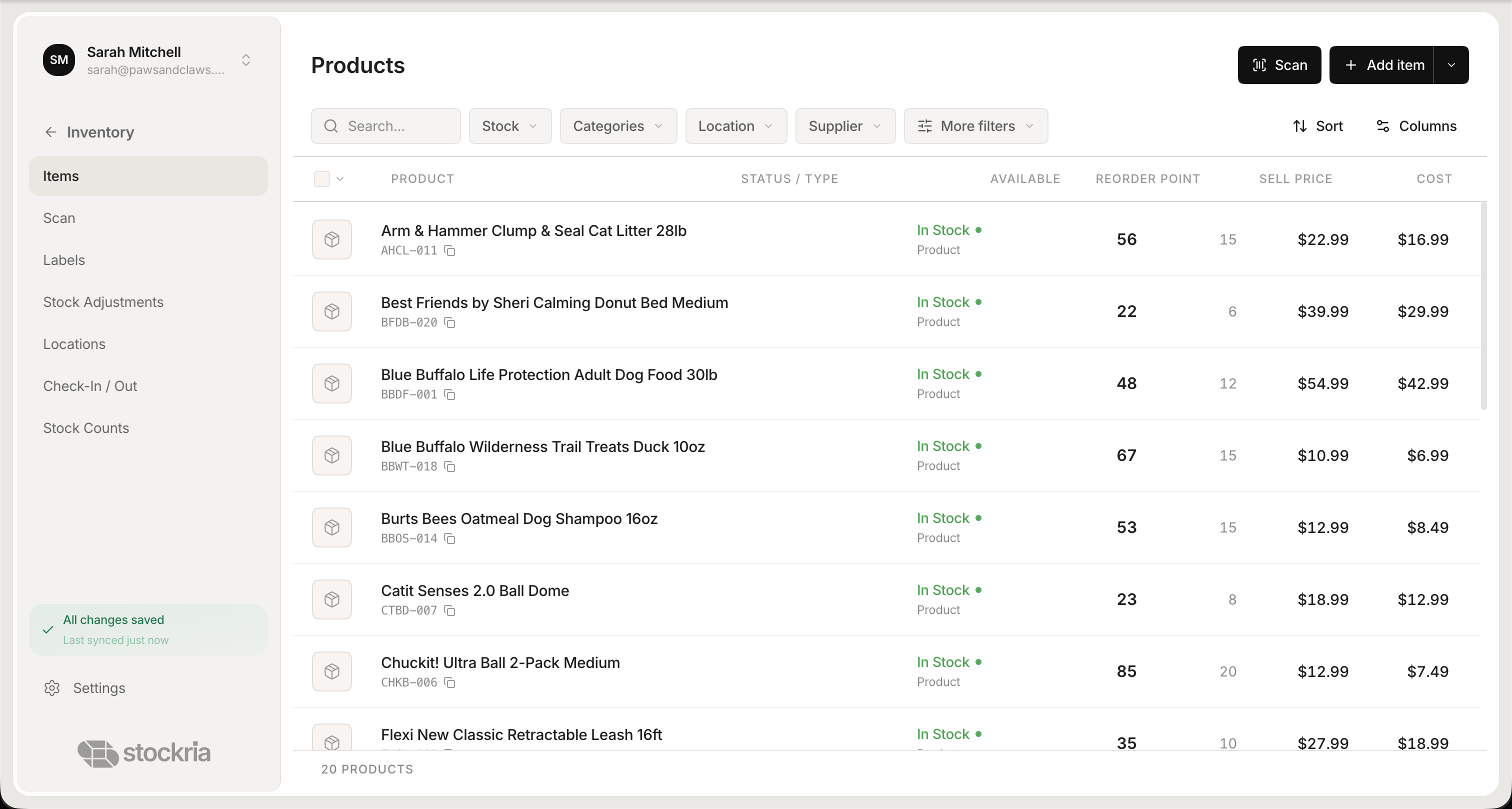 Stockria in action - Real-time stock levels across every location, updated with every scan.
At minimum, your POS should tell your inventory system what item was sold, how many units, the sale price, and the timestamp. This lets your inventory system update stock levels and track sales velocity for better demand forecasting.
Ideally, it also sends customer information, discount details, and payment method. This data helps you understand buying patterns and plan inventory accordingly.
What your inventory system should send to your POS
Your inventory system should keep your POS updated on current stock levels so staff can check availability, new items and price changes so the register stays current, and product information like descriptions and categories.
Without this reverse flow, your staff is working with outdated information at the register. A customer asks if you have something in stock, the cashier checks the POS, and the answer is wrong because the POS does not know about the shipment that arrived this morning.
Making the switch
If you are currently running disconnected systems, start by picking one category of products and syncing it first. Get comfortable with the workflow, fix any issues, and then expand to your full catalog. A phased approach is less risky and lets you catch problems early.